
An honest comparison: Apple Journal vs Reflect.
Let's be fair to Apple Journal first. It launched with iOS 17.2 in late 2023, it's free, it's beautifully designed, and its Journaling Suggestions are genuinely smart — the app quietly surfaces moments from your Photos, the people and places you spent time with, your workouts, and the music you played, then nudges you to write about them. That deep system integration is something only Apple can build, and Reflect doesn't try to replicate it. If you live entirely inside the Apple ecosystem, Apple Journal is a strong, free choice.
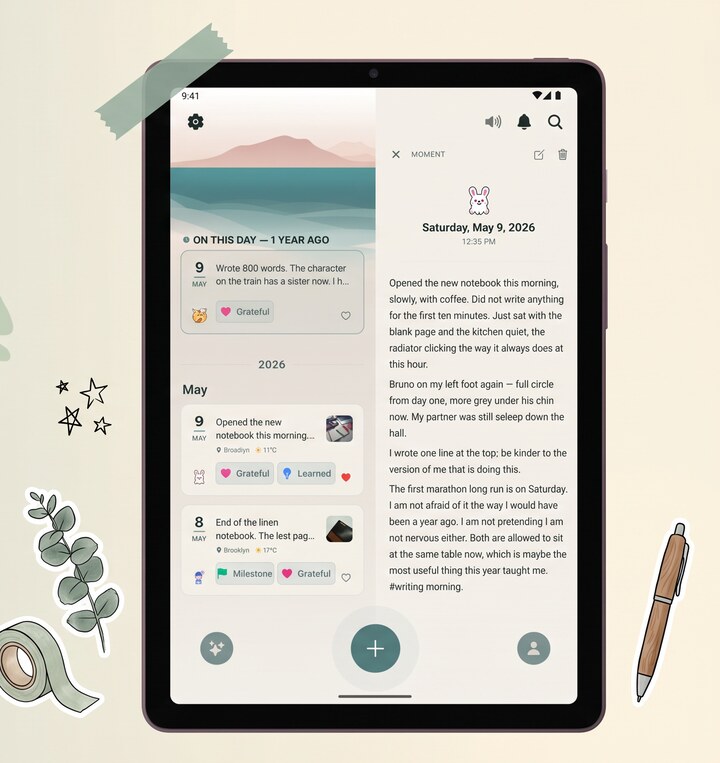
The reason people search for an alternative is almost never the writing experience. It's reach. Apple Journal runs only on Apple devices (iPhone, plus iPad and Mac since iPadOS 26 and macOS Tahoe) — no Android app, no web version. The day you move to Android, carry two phones, or someone in your household isn't on an iPhone, the journal doesn't come with you. Reflect is built for that reality: native on both the App Store and Google Play, encrypted on-device with AES-256-GCM by default, with a backup unlocked by a recovery code you keep rather than an Apple account. Type that code on a new phone — iPhone or Pixel — and everything decrypts.
Where Reflect goes further.
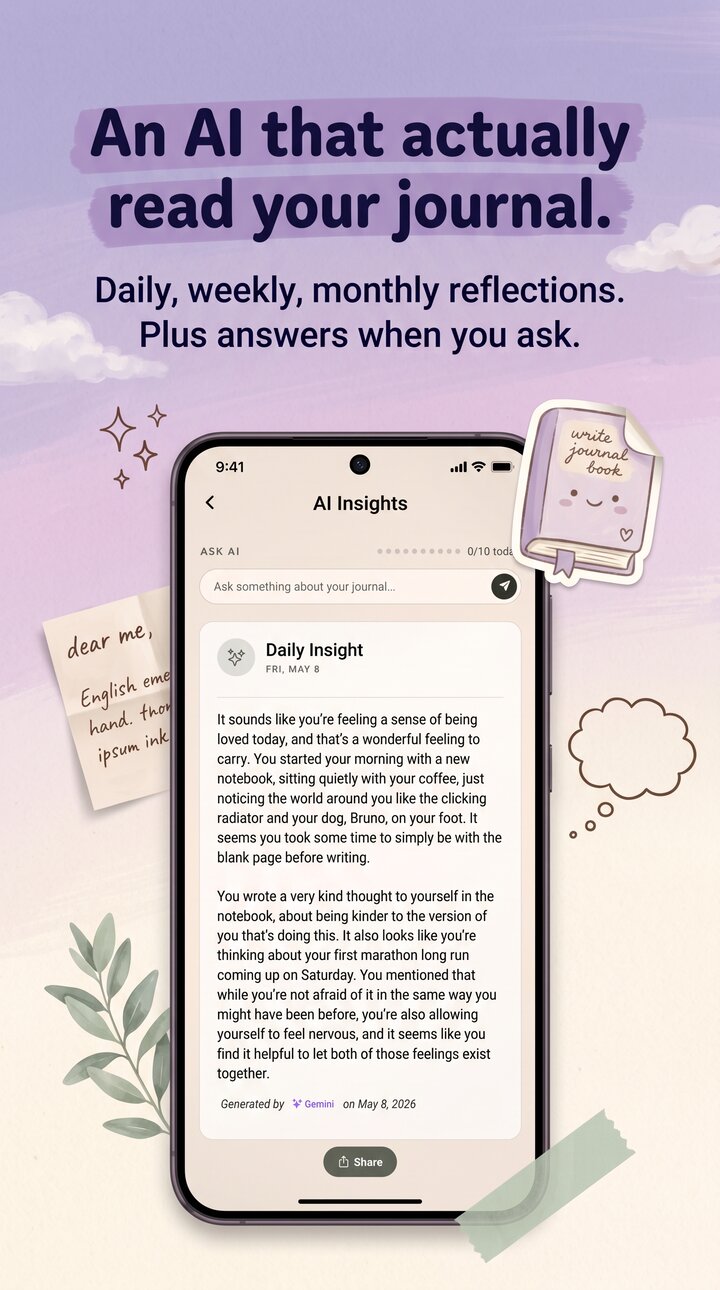
Reflect adds a few things Apple Journal doesn't focus on. It runs AI over your entries — daily, weekly, and monthly insights from Google Gemini, an MBTI personality read, and an Ask AI chat about your own history. It transcribes voice notes into editable, searchable text. And it reads paper: photograph a handwritten page and OCR turns it into typed text. Personal identifiers are stripped from typed text before it is sent for insights; voice recordings and scanned pages are sent for transcription as they are. It's multilingual, too — interface and AI work in 10 languages including Korean, Japanese, Arabic, and Hindi, with right-to-left layout for Arabic.
The trade-offs, stated plainly.
Apple Journal is free; Reflect has a generous free tier with premium for heavier AI use. Apple's suggestions are wired into iOS in a way a third-party app can't match. And there's no one-tap importer from Apple Journal into Reflect, so moving years of history over isn't a one-tap migration — you'd copy what you want to keep, or re-photograph paper pages and let OCR read them in. If you're all-Apple and happy, stay. If you want a private journal that travels across iOS and Android and does more with what you write, that's where Reflect fits.