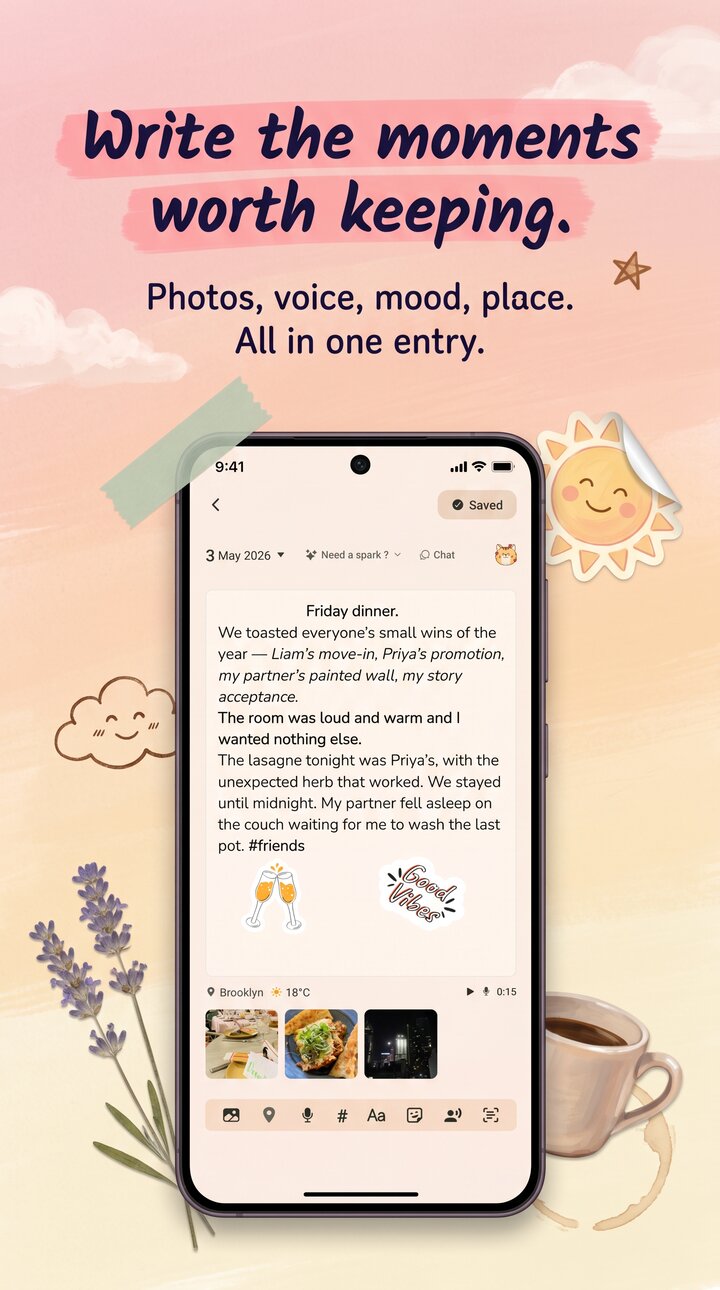
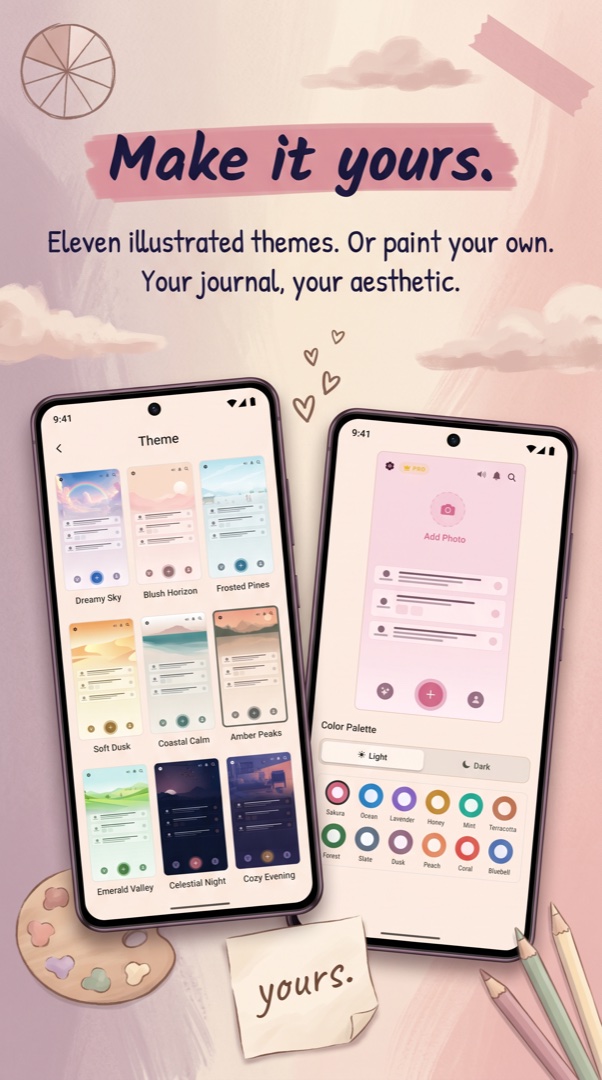
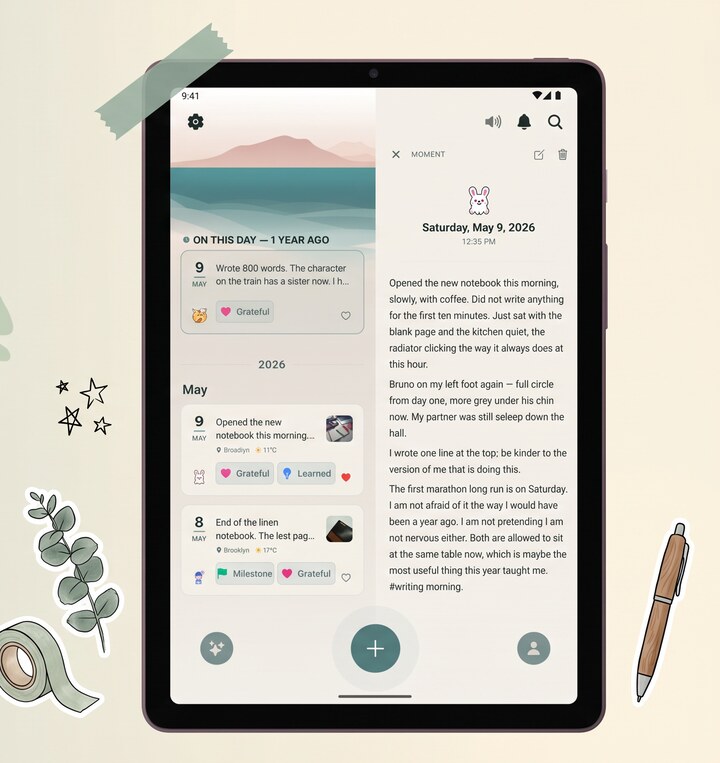
Choosing a diary app on iPhone in 2026.
The App Store has roughly a thousand journal apps. Most fall into three groups. There are the pretty ones with cute illustrations and a PIN that turns out to be a UI overlay over plaintext SQLite. There are the AI-first ones built around a chatbot that asks you "how was your day?" and stores the conversation in their database with their key. And there are the serious diary apps for iOS — Reflect is in this third group — that treat your entries the way an iPhone treats your Health data: encrypted at rest, behind a biometric, with a backup story you can actually inspect.
When you compare diary apps on iPhone, the questions worth asking aren't only about design. They're about what happens when you lose your phone, who holds the key to your cloud backup, and whether the lock screen is actual encryption or a checkbox that hides the screen. Reflect's answers: an encrypted backup you restore with your recovery code, and AES-256-GCM with HMAC tamper detection on every entry. That's the whole pitch.
What an iPhone diary app should feel like.
Native. That word gets thrown around. What it should mean: the keyboard goes up and the text follows it smoothly, swipe-back works, the safe area is respected, system fonts are used, dark mode follows the system, haptics fire where iOS users expect them. Reflect is built on React Native with a lot of attention paid to these details, so it feels like an iPhone app and not a website pretending to be one. The free tier covers writing, voice, photos, scanning paper diaries, mood tracking, and a monthly AI allowance — enough to actually evaluate whether the app fits your life before the paywall ever comes up.