Private Journal

A private journal — actually private.

No account needed. Works offline. Every entry encrypted on your phone before anything leaves the device. No ads. No social feed. No leaderboards. Your diary, your eyes only.

No account required Offline-first Encrypted by default
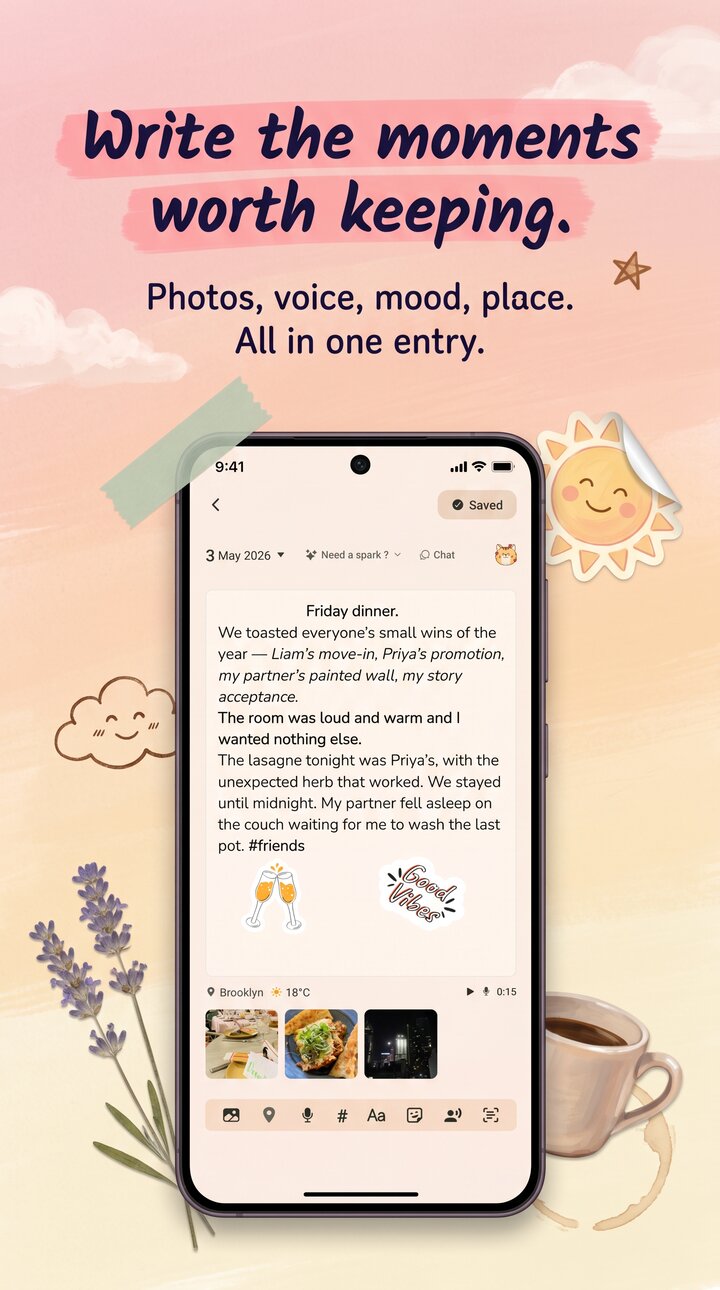
Reflect home screen on iPhone, showing a private diary entry with no signup wall

What "private" actually means.

Most "private" diary apps are PIN-locked plaintext SQLite. Reflect treats privacy as the default, not the marketing line.

01

No account, no telemetry on content.

Sign-up is anonymous and optional. There's no email collection, no contacts permission, no friends to follow. Journal content is never transmitted unless you opt into encrypted cloud backup, and anonymous analytics are a single toggle to disable.

02

Offline-first.

Airplane mode works perfectly. The app is fully usable with no network. Entries write to encrypted local storage and stay there. Sync only happens if you turn it on, and only with the encrypted backup path.

03

Encrypted by default.

AES-256-GCM with HMAC tamper detection. Biometric, PIN, or password lock on top of that. Auto-lock on background, hidden preview thumbnails, and a lock independent of the device passcode.

Local-first

Your phone is the source of truth.

Everything lives on your device first. Cloud backup is optional, encrypted, and zero-knowledge — meaning our servers see ciphertext only. Export as PDF or JSON whenever you want, and delete your account in a single tap with no retention period.

  • Anonymous sign-in
  • No email or phone number
  • No advertising IDs used
  • PDF + JSON export anytime
  • Delete entire account in one tap
Reflect theme picker showing personal style settings
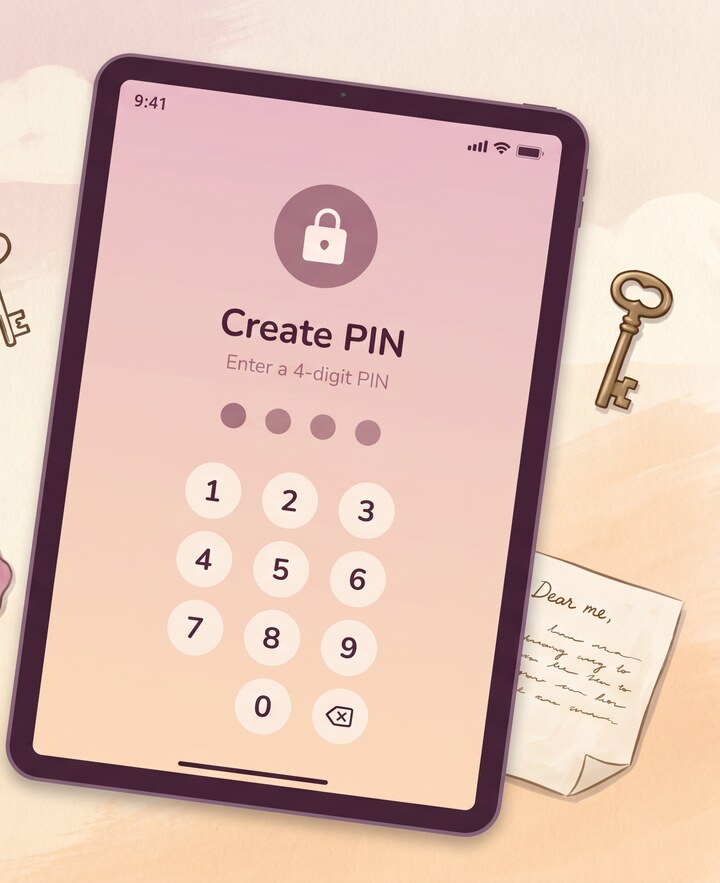
Lock

Lock it like you mean it.

Biometric, PIN, or password — and an auto-lock the moment you switch apps. Preview thumbnails are hidden by default so the app icon on your phone reveals nothing. The lock is independent of the device passcode.

  • Face ID / Touch ID / fingerprint
  • Numeric PIN or full password
  • Auto-lock on background
  • Hidden preview thumbnails
  • Biometric data never leaves your device
Reflect private insights screen showing locked-down data flow

Common questions.

Do I need to create an account?

No. You can use Reflect entirely offline, with no account, and nothing leaves your phone. An account is only required if you choose to enable encrypted cloud backup or cross-device restore.

Is my journal stored on the cloud?

Only if you opt in. By default, entries live on your device, encrypted with AES-256-GCM. Cloud backup is a separate setting; when you turn it on, entries are encrypted before they leave your phone, with a key derived from your recovery code.

Can other apps see my entries?

No. Reflect's storage is sandboxed by iOS and Android, and the entry contents are encrypted on disk. The biometric or PIN lock also blanks the app-switcher preview, so a glance at your phone doesn't reveal anything.

How do I export or delete my data?

Settings has a one-tap export to PDF or JSON — you can save a complete copy whenever you want. Account deletion is also in settings and wipes both local entries and any cloud backup. There are no holds or hidden retention periods.

More from Reflect.

Start a quieter diary.

Free, in 10 languages, on iOS and Android. No account required. Encrypted from the first entry.

Follow