Why "private journal" needs a definition.
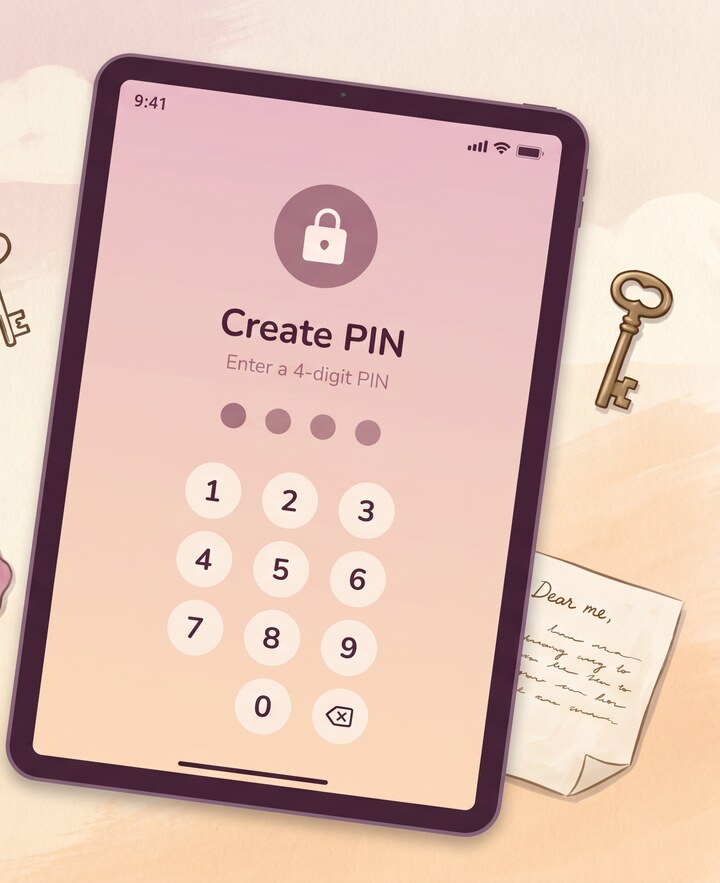
"Private" is a word the App Store category abuses to the point of meaninglessness. Almost every journal app describes itself as private. Most of them mean: there is a PIN screen. What's behind the PIN screen, in many of these apps, is a SQLite database stored in the app's documents folder, unencrypted, that any forensic tool — and there are free ones — extracts in seconds from an iTunes or Google backup. The PIN was a curtain. It hid the screen. It didn't lock the file.
A truly private diary app encrypts the file. Reflect encrypts every entry with AES-256-GCM and an HMAC tamper-detection tag before it touches disk. If you pull the SQLite file off the phone, you get ciphertext, not text. If someone modifies the ciphertext, the HMAC catches it and decrypt refuses. The PIN or biometric in front of the app is access control to the key, not a UI overlay. That's the difference between a journal app that claims privacy and a secure diary app 2026 reviewers should actually take seriously.
The honest list of trade-offs.
We're not going to pretend an encrypted journal app is friction-free. Cloud backup requires a recovery code, and if you lose the recovery code there is no support ticket that gets your entries back — that's the literal point of zero-knowledge. AI features need an internet round-trip; the typed-text path is PII-stripped first, but audio and photos can't be redacted the same way and go to Gemini as-is for transcription and OCR. You can disable AI entirely if even the round-trip is too much. The encryption itself doesn't slow anything down — it happens in microseconds — but a wrong recovery code on restore now fails closed with a clear error instead of silently substituting ciphertext, which is the right behavior and the one we ship. The best private journal app is one that's honest about what it does and doesn't do. We're trying to be that.