Diary App for Android

The diary app built right for Android.

Fingerprint unlock, Material-style theming, edge-to-edge layouts, the share sheet, Play Integrity. Plus AES-256-GCM encryption on every entry and a zero-knowledge cloud backup that doesn't lean on Google. Free, in 10 languages, runs on Android 10+.

Fingerprint unlock Play Integrity verified Android 10+
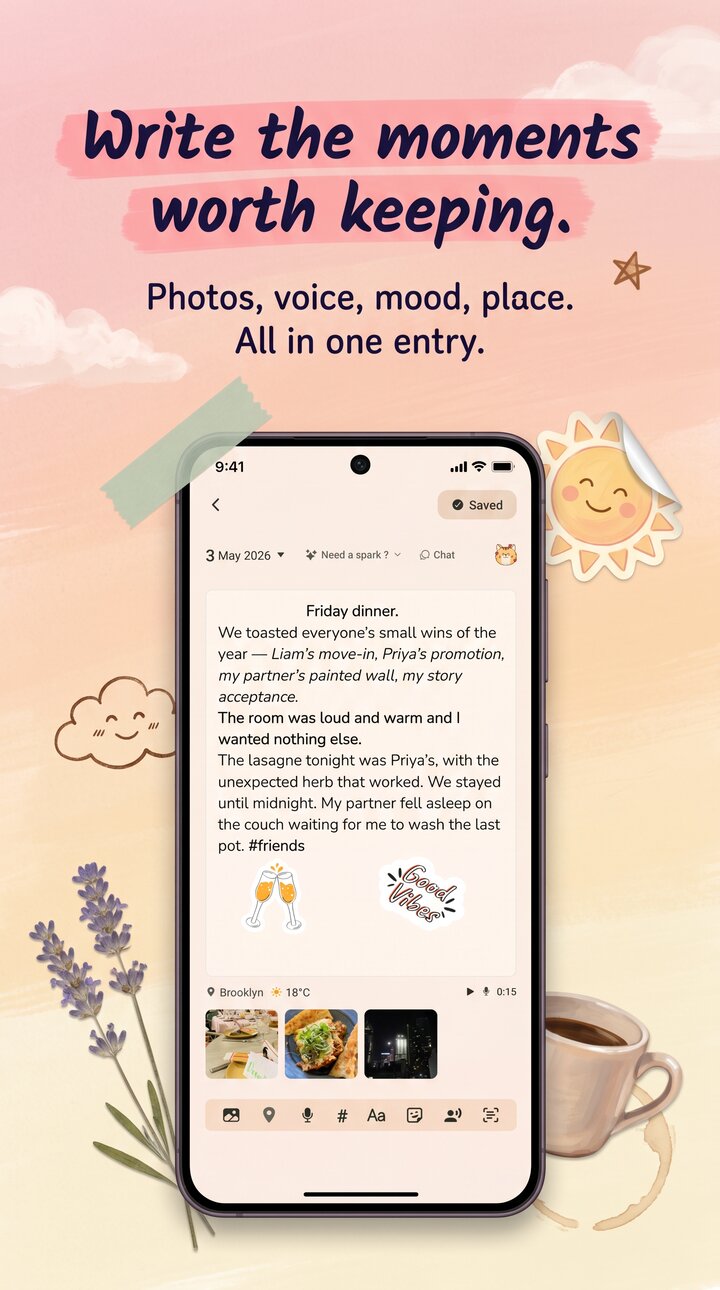
Reflect diary app on Android showing the daily write screen with mood selector

What a serious Android diary app gets right.

Android has its own design language and its own security primitives. Reflect uses them, instead of pretending it's an iOS app pasted onto a different OS.

01

Fingerprint, the right way.

Lock the diary behind the fingerprint sensor or face unlock using BiometricPrompt — the same Android API your banking app uses. PIN or password as fallback. The lock screen is actual access control, not a curtain hiding plaintext.

02

Material feel, edge-to-edge.

Material 3 color tokens, predictive back gesture on Android 14+, edge-to-edge layouts that respect navigation gesture insets, dark theme that follows system. Themes (10+ presets) layer on top. The share sheet works as an Android target — send a photo from any app straight into a new entry.

03

Play Integrity, not Google's reading list.

App Check uses Play Integrity to verify the app, not your data. Backup is zero-knowledge — a recovery-code-derived KEK (Argon2id) wraps your entries before they leave the phone. Google can't decrypt them. We can't decrypt them. You restore on any new Android device with the recovery code.

Built for Android

The Android details people notice.

The reason a journal app Android users actually keep is the small stuff. Keyboard behaviour, back gesture, share intent, font scaling — Reflect gets these right instead of treating Android as a port. Built with React Native on top of the platform APIs, not webview-in-a-wrapper.

  • BiometricPrompt for fingerprint and face unlock
  • Android share intent — text and images from any app
  • Predictive back, edge-to-edge, gesture nav insets
  • Font scaling, dark theme, Material color tokens
  • Runs on Android 10 and up, including older budget devices
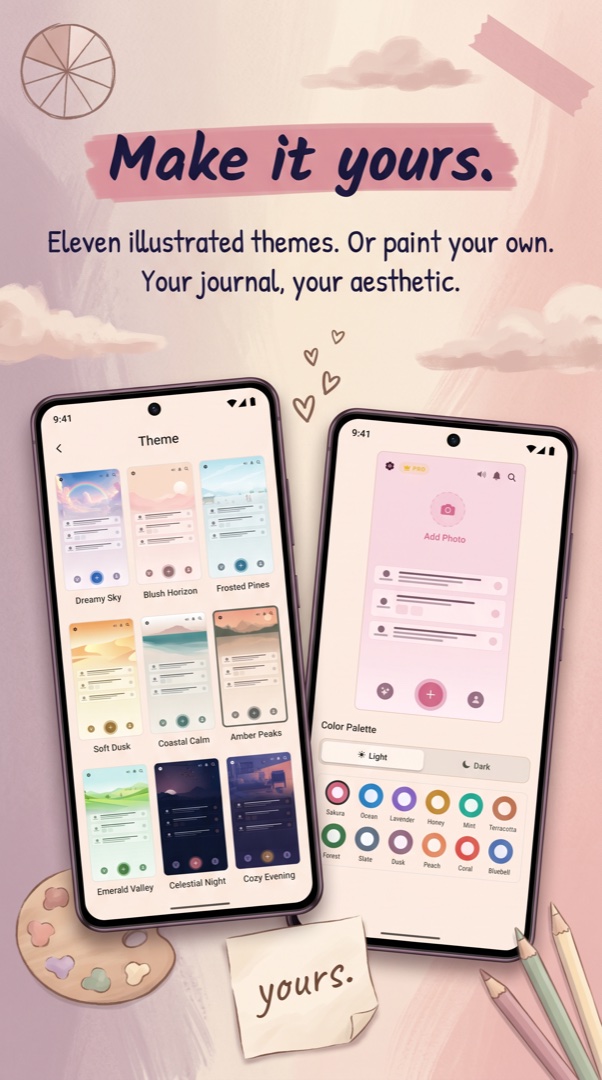
Reflect theme picker on Android showing 10 themes including dark and light variants
Backup story

Not Google Drive. Zero-knowledge by design.

Google Drive backup is convenient and Google holds the key. That's fine for app settings. It's wrong for a diary. Reflect runs its own zero-knowledge cloud backup: a random data encryption key wraps your entries, then a key encryption key derived from your recovery code via Argon2id wraps that. Google can't decrypt your journal. Neither can we. You can.

  • AES-256-GCM encryption at rest
  • Recovery-code-derived KEK via Argon2id
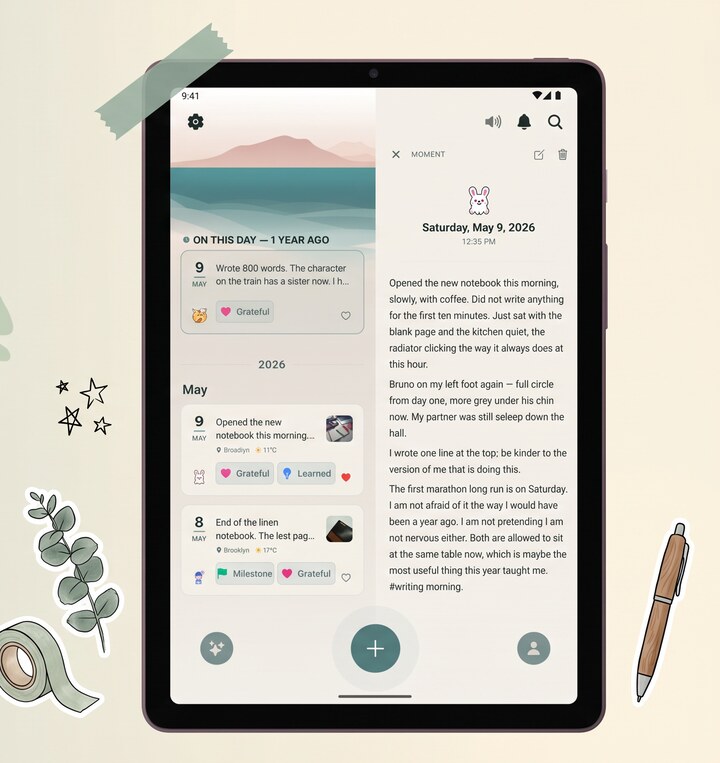
  • Cross-device restore on any Android phone or tablet
  • HMAC tamper detection on every entry
  • Key fingerprint catches wrong recovery codes pre-decrypt
Reflect restore screen on Android — restore from cloud backup with recovery code

Choosing a diary app on Android in 2026.

The Play Store has more journal apps than any one person should sort through. Most fall into a few honest categories. There are the cheap, ad-stuffed ones that store entries in plaintext SQLite behind a 4-digit "lock." There are the AI chat apps that turn your day into a conversation logged in their database. And there's a small set of serious Android diary apps that take encryption seriously — Reflect is in that set. We use BiometricPrompt for the lock, App Check + Play Integrity to verify the app, AES-256-GCM with HMAC tamper detection for entries at rest, and a recovery-code-derived KEK for cloud backup.

If you're searching for the best Android diary app and you care about privacy, the question to ask isn't "does it have a PIN." The question is what's behind the PIN. In Reflect, what's behind the PIN is AES-256-GCM ciphertext. In a lot of other apps, what's behind the PIN is a sqlite file you can extract from an unencrypted Android backup in minutes. The padlock icon in the store screenshot says nothing about what the file looks like on disk.

What Android-native should mean.

Predictive back. Edge-to-edge layouts. Gesture insets. Material 3. BiometricPrompt rather than a roll-your-own PIN. The share sheet as a real intent target so any other Android app can push content into a new entry. Reflect's Android build hits these and runs on Android 10 and up, including budget devices that don't have the latest chip. The free tier covers writing, voice transcription, paper-diary OCR, mood tracking, themes, and a monthly AI insights allowance — enough to use Reflect as a daily journal for free, with no account required. Premium unlocks heavier AI use. The encryption isn't behind a paywall.

Common questions.

What Android version do I need?

Android 10 (API 29) and up. That covers almost every Android phone sold in the last several years, including budget devices. The latest Android features (predictive back, Material You) light up automatically on supported versions; older Android 10 phones still get the full feature set.

Does it back up to Google Drive?

No, deliberately. Reflect runs its own zero-knowledge cloud backup — entries are encrypted with a key derived from your recovery code via Argon2id before they leave your phone. Google cannot decrypt them, and neither can we. You restore on any new Android device with the recovery code.

Is fingerprint unlock the only lock option?

No. You can use fingerprint, face unlock (where supported), a PIN, or a longer password. Biometrics fall back to PIN if they fail. You can also turn the lock off entirely if you'd rather not have one.

Will it sync between my Android phone and tablet?

Yes. The same encrypted backup powers cross-device restore between any pair of Android phones and tablets on the same account. Sign in on the tablet, enter your recovery code, your journal is there — still encrypted, still zero-knowledge.

Are there ads or trackers?

No ads. No third-party trackers selling your behavior. Anonymous crash reporting via Firebase Crashlytics is the only analytics, and you can opt out of it. The privacy of the app starts with not monetizing your data.

More from Reflect.

A real diary app for your Android.

Free, in 10 languages, on iOS and Android. No account required. Encrypted from the first entry.

Follow