Encrypted Diary

An encrypted diary that's private by default.

Reflect encrypts every entry on your phone with AES-256-GCM before anything leaves the device. Recovery-code-derived key. Biometric lock. Zero-knowledge cloud backup. Free on iOS and Android.

AES-256-GCM Biometric lock Zero-knowledge backup
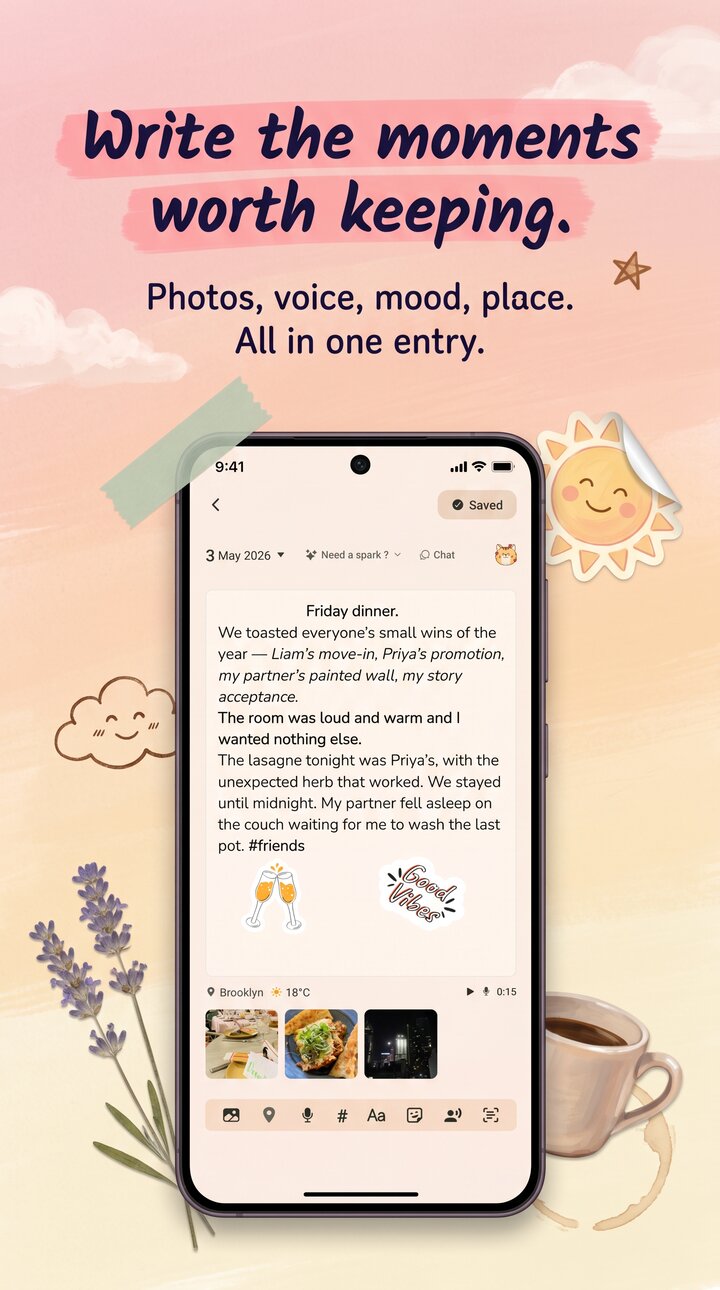
Reflect home screen on iPhone, showing an encrypted diary entry with mood tags

Encryption that's actually on.

Most "private" diary apps store your entries in plaintext SQLite behind a PIN. Reflect doesn't.

01

Encrypted by default.

AES-256-GCM with HMAC tamper detection on every entry. Not an opt-in toggle hidden in settings, not a premium upsell. From the moment you write your first line, the file on disk is unreadable without your key.

02

Recovery-code-derived key.

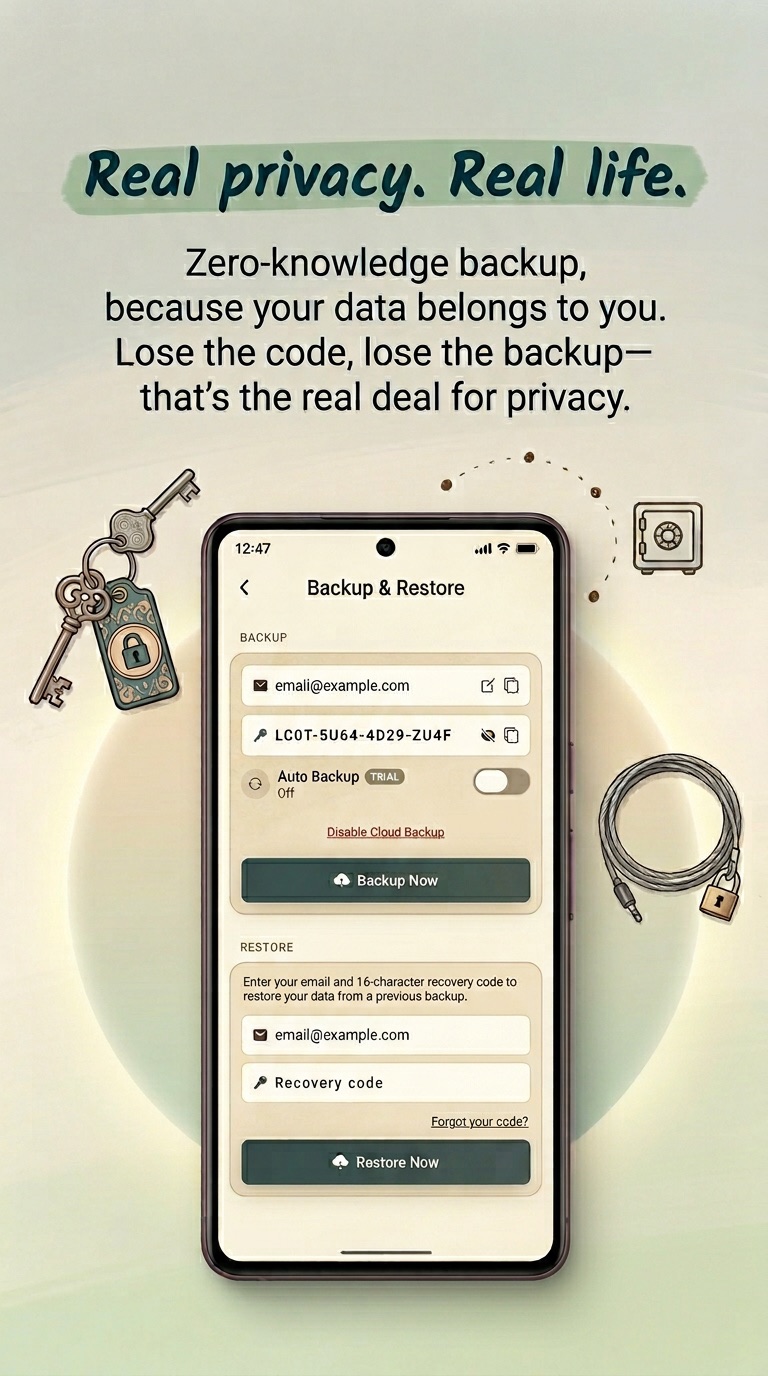
The decryption key is derived from a recovery code that never leaves your phone unencrypted. We can't read your diary, even if we wanted to. Lose the recovery code and the backup is unreadable — that's the trade for real privacy.

03

Zero-knowledge cloud.

Optional cloud backup is wrapped under the same recovery code. The blob that lands on our servers is ciphertext only. There is no plaintext mode and no escrowed master key, by design.

Lock screen

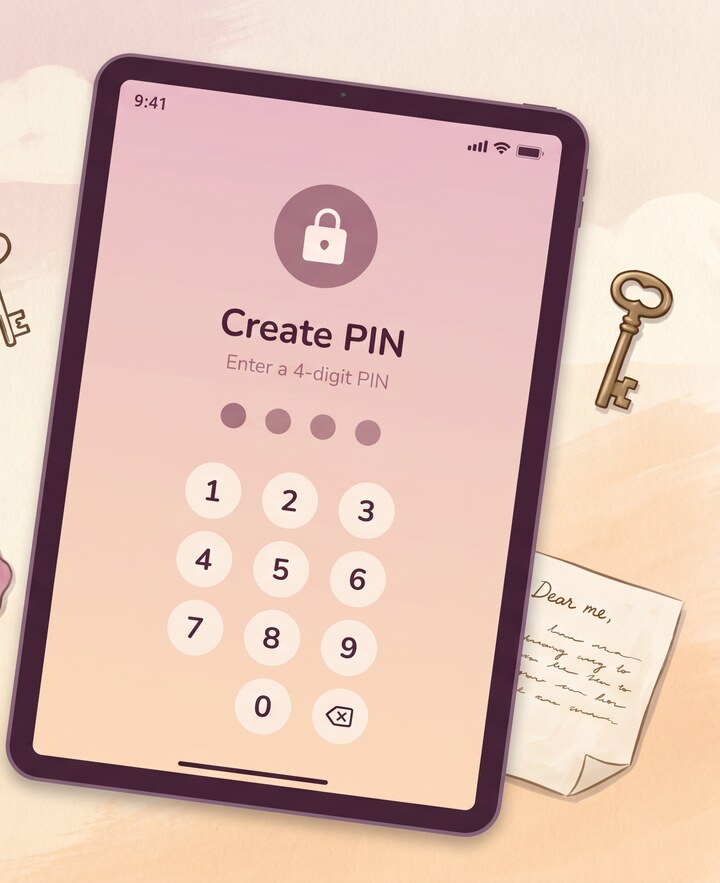
Biometric, PIN, or password — your choice.

Face ID, Touch ID, fingerprint, PIN, or password — pick what fits how you use your phone. Auto-locks the moment you switch apps. Hides preview thumbnails by default, so a glance at the multitasking switcher reveals nothing.

  • Face ID / Touch ID / fingerprint
  • Numeric PIN
  • Long password
  • Auto-lock on background
  • Hidden preview thumbnails
Reflect home screen showing the diary lock and entry list
Backup & restore

Restore on a new device — without giving up zero-knowledge.

Recovery-code-derived KEK unwraps a wrapped DEK on the new device. The encrypted backup never touches our servers in plaintext. Lose your recovery code, lose the backup — that's the trade for real privacy.

  • Argon2id key derivation
  • Per-backup wrapped DEK
  • Pre-decrypt fingerprint check
  • Cross-device restore
  • Receipts kept zero-knowledge
Reflect theme picker on iPhone, showing several light and dark themes

Common questions.

What encryption does Reflect use?

Reflect encrypts entries with AES-256-GCM and adds HMAC tamper detection. The same algorithm protects encrypted cloud backups, with the wrapping key derived from your recovery code via Argon2id. Photos and voice memos are encrypted with the same scheme before they ever reach storage.

Is encryption on by default or do I need to enable it?

Encryption is on by default. There is no toggle to disable it for entries on your device, and there is no plaintext fallback. Cloud backup is the only optional piece — and when you turn it on, backups are encrypted before they leave your phone.

What happens if I lose my phone?

If you enabled encrypted cloud backup, you can restore on a new device by signing in and entering your recovery code. The recovery code re-derives the key that unwraps your data; without it, no one — including us — can read the backup. If you skipped cloud backup, your diary lives only on the lost device.

Can Reflect read my entries?

No. Entries are encrypted on your device before any sync. Our servers see ciphertext only. If you opt into AI features, the specific text you send for an insight is processed by the AI service in transit, with PII stripped first; the rest of your diary stays encrypted and inaccessible.
More from Reflect.

Start a quieter diary.

Free, in 10 languages, on iOS and Android. No account required. Encrypted from the first entry.

Follow